
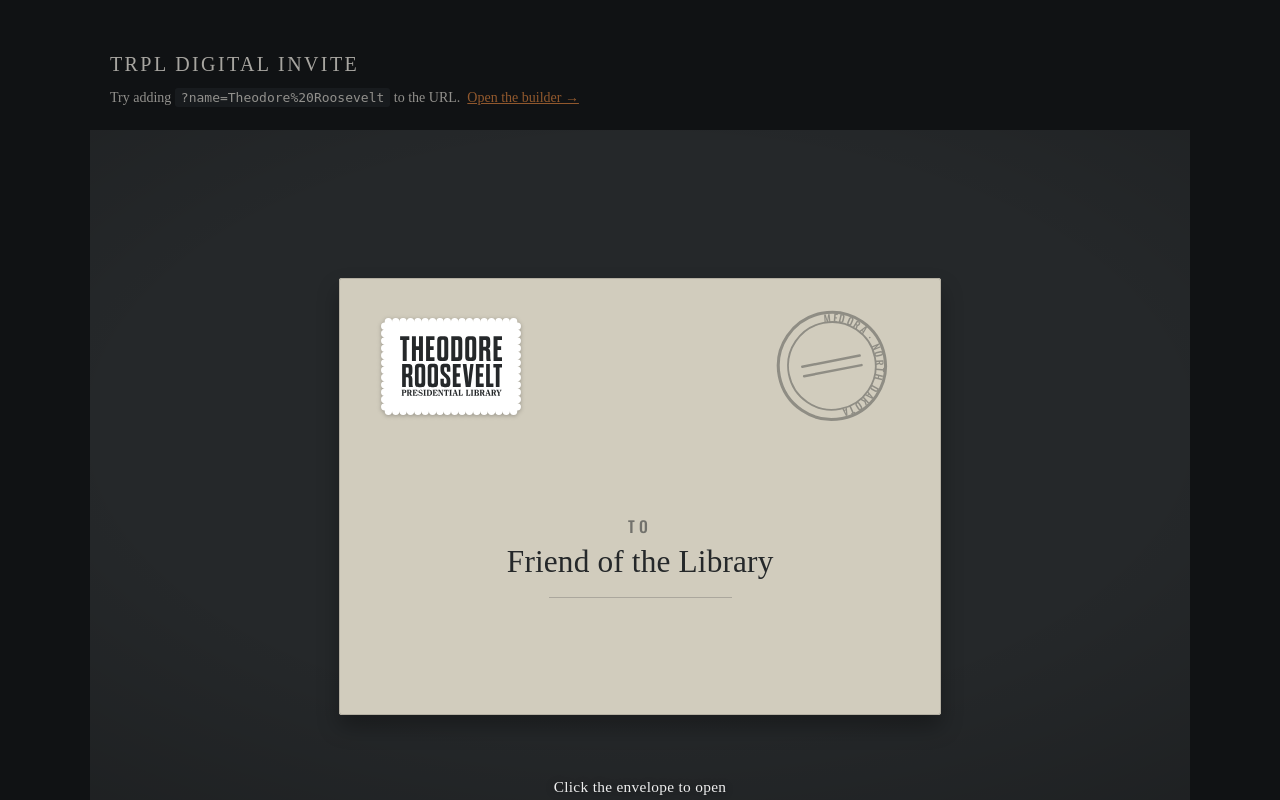
Try it right here
This loads the live project from its own domain, exactly as a visitor would see it.
What it does
A reusable embed plus a no-code builder that wraps invitation artwork in an animated envelope: it rises addressed to the guest, turns in 3D to show a brand seal, the flap opens, the card slides out, and an RSVP button appears. The guest's name comes from a query-string parameter, so a mail merge gives every recipient a hand-addressed envelope.
The builder is the part that makes it usable by a development office rather than a developer. Eight contrast-checked brand presets, a live readout, and a warning when the envelope liner is too close in tone to the background — which is the single failure that makes an opened envelope read as a hole in the page. It also emits a matching email template and a downloadable zip, so a staff member can hand a finished campaign to the web team without writing code.
What it can do
- Envelope-opening animation with 3D flip, seal, perforated stamp, and postmark
- Per-guest personalization from a
?name=parameter, with a configurable fallback - Visual builder with eight WCAG-AA-checked presets and a live contrast readout
autoink colors that measure contrast and pick dark or light text themselves- Rich-text details panel that cleans Word and Google Docs paste into an allowlisted subset
- Email template built from table cells so the guest's name stays live text when images are blocked
- Download-everything zip and a share link encoding the whole build in under 1 kB
Make it your own
Start by forking the repository into your own organization. Everything below assumes you are working in your fork, not this one.
- Fork, enable Pages from
mainat the root, editCNAME, and point DNS at GitHub Pages. A.nojekyllfile is already committed. - Open your copy of the builder, set
data-card-imageto your invitation artwork (portrait 5:7 or 2:3) anddata-rsvp-urlto your RSVP page, then copy the snippet. - Set
data-font-kit-urlto your own web font kit. Licensed brand faces cannot be bundled in a public repo, and without a kit the embed falls back silently to open substitutes. - Replace the branded art — the seal and wordmark in
assets/, and the flattened PNGs inassets/email/. The emailed stamp is a flat PNG and ignores builder color changes. - Recolor with
envelope-color,liner-color,accent-color, andbackground-color. Keep the liner perceptually distinct from both the background and the envelope paper. - Edit the email template, paste the builder's output into your platform's custom-code editor, and send yourself a test to confirm the personalization survives click-tracking rewrites.
Stuck on a step? Open an issue on the repository. Questions from people adapting these for their own institution are the most useful feedback we get.