
Try it right here
This loads the live project from its own domain, exactly as a visitor would see it.
What it does
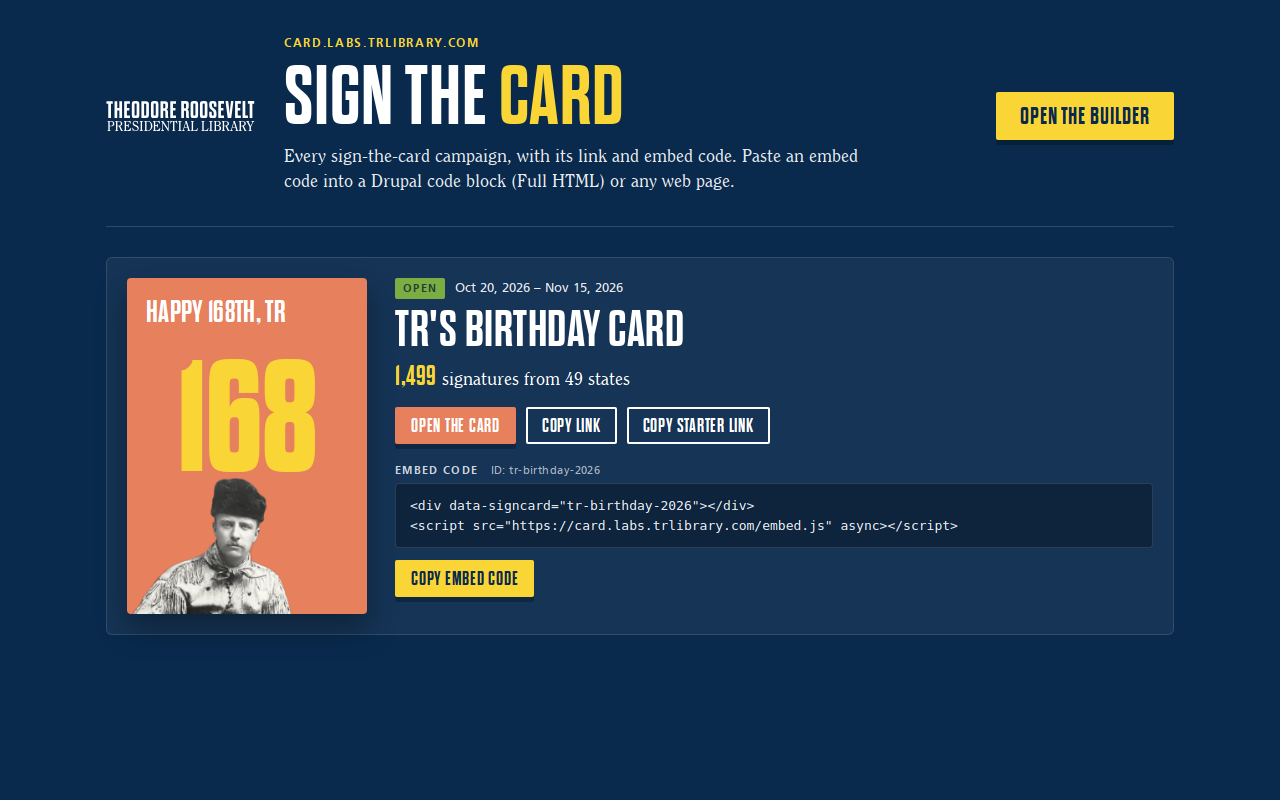
An opening animation, a signature with a message, then featured messages and a map of where people signed from. The first campaign is a birthday card for Roosevelt on 27 October.
The privacy architecture is the reason to look at it. Browsers can create signature documents in the database and can never read them back. A scheduled job every ten minutes runs moderation and an AI review, then commits only non-identifying data to the published site: first name and last initial, city and state, approved messages, and a dot at the ZIP centroid. Emails, full surnames and exact ZIPs never leave the database.
That is a pattern worth copying for any institution collecting public submissions — the published artifact simply cannot leak what it never received.
What it can do
- Create-only database rules in the browser; nothing readable client-side
- One signature per email per campaign, enforced by hashing campaign and email into the document id
- Automated moderation plus an AI review for names, approval and a feature score
- A visual builder that generates new campaign files without code
- Hand moderation by hiding or pinning individual messages
- Self-resizing embeddable iframe with an analytics event on signing
Make it your own
Start by forking the repository into your own organization. Everything below assumes you are working in your fork, not this one.
- Create a Firebase project and Firestore database, publish
firebase/firestore.rules, and put your web app'sprojectIdandapiKeyintoassets/js/config.js. - Run
firebase/setup-wif.shonce in Google Cloud Shell to set up Workload Identity Federation for your repository. Service account keys are deliberately not supported. - Add the repository secret
OPENAI_KEYfor moderation and review. - Enable Pages with source GitHub Actions and point your custom domain at your org's github.io host.
- Build your campaign in
/builder/, commit the file tocampaigns/, and set the default incampaigns/index.json. - Dry-run the processor locally before going live:
python3 scripts/process_signatures.py --dry-run.
Stuck on a step? Open an issue on the repository. Questions from people adapting these for their own institution are the most useful feedback we get.