
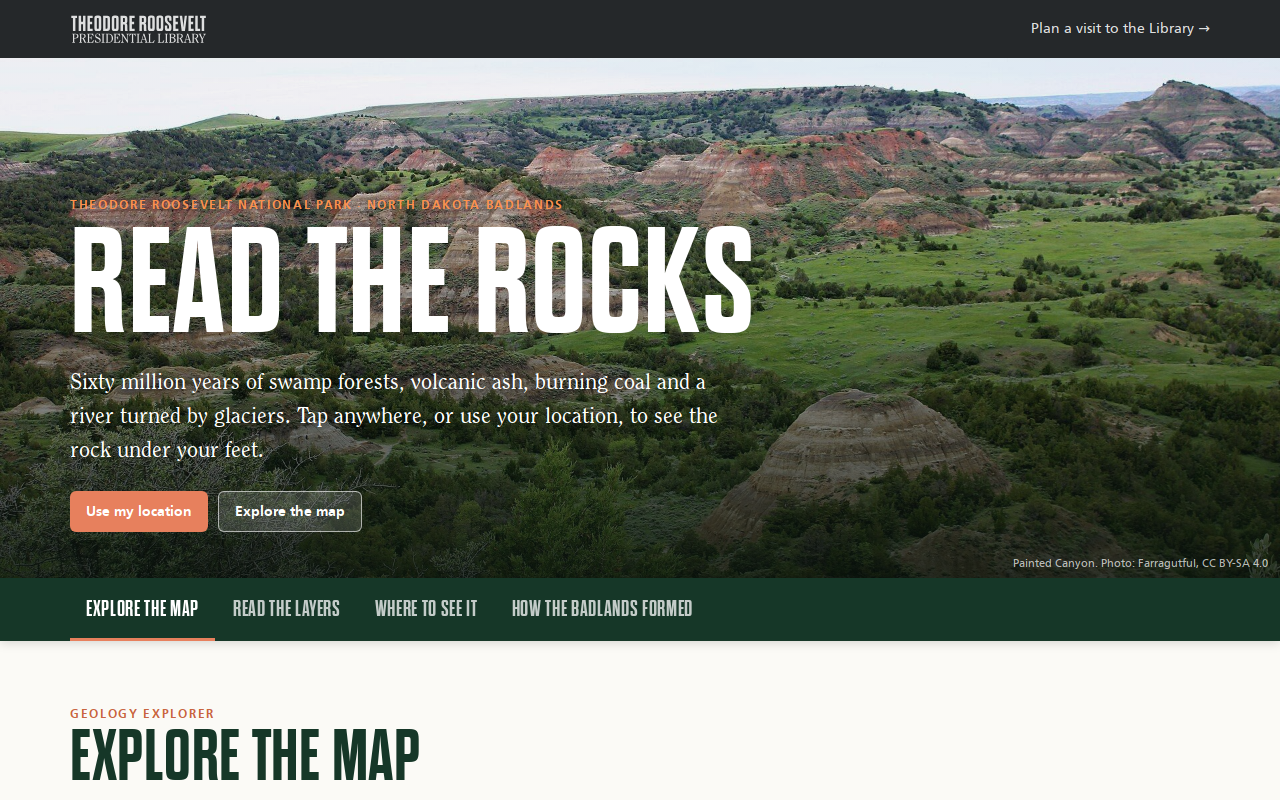
Try it right here
This loads the live project from its own domain, exactly as a visitor would see it.
What it does
A geology explorer for Theodore Roosevelt National Park. Tap anywhere on the colored geologic map, or follow your own location, and a card names the rock layer, its age, a plain-language story, and what to look for. Outside the park map it falls back to the U.S. state bedrock map, so it answers anywhere in the country.
A drive-along mode reads short notes aloud as the car reaches each stop on the scenic drives, and can announce when the road crosses into a new layer. There is also a clickable layer-cake column, fifteen pullouts and trails with what to look for, the state's statewide landslide inventory as an optional layer, and a nine-chapter story of how the Badlands formed.
What it can do
- Park geologic map from the NPS Geologic Resources Inventory, packed as TopoJSON
- Nationwide fallback and elevation from the Macrostrat API
- Drive-along notes read aloud by location, with screen wake lock
- Clickable stratigraphic column and fifteen where-to-see-it stops
- Optional statewide landslide layer with point-in-landslide checks
- Share links to any point, stop, or layer
- Self-sizing embeds for map, layers, stops, story, or all
Make it your own
Start by forking the repository into your own organization. Everything below assumes you are working in your fork, not this one.
- Fork the repo and download your park's digital geologic map from the NPS Geologic Resources Inventory, or a state survey's.
- Run
scripts/build_geology.pyto simplify, reproject, and pack it as TopoJSON. - Rewrite the layer stories, colors, and quotations in
data/units.json, the stops indata/stops.json, and the drive notes indata/drive.json. - Replace or remove the landslide layer, which points at a North Dakota service, and rewrite
STORYinassets/app.js. - Enable Pages from
mainat the root, editCNAME, and replace the photos and trlibrary.com fonts.
Stuck on a step? Open an issue on the repository. Questions from people adapting these for their own institution are the most useful feedback we get.