
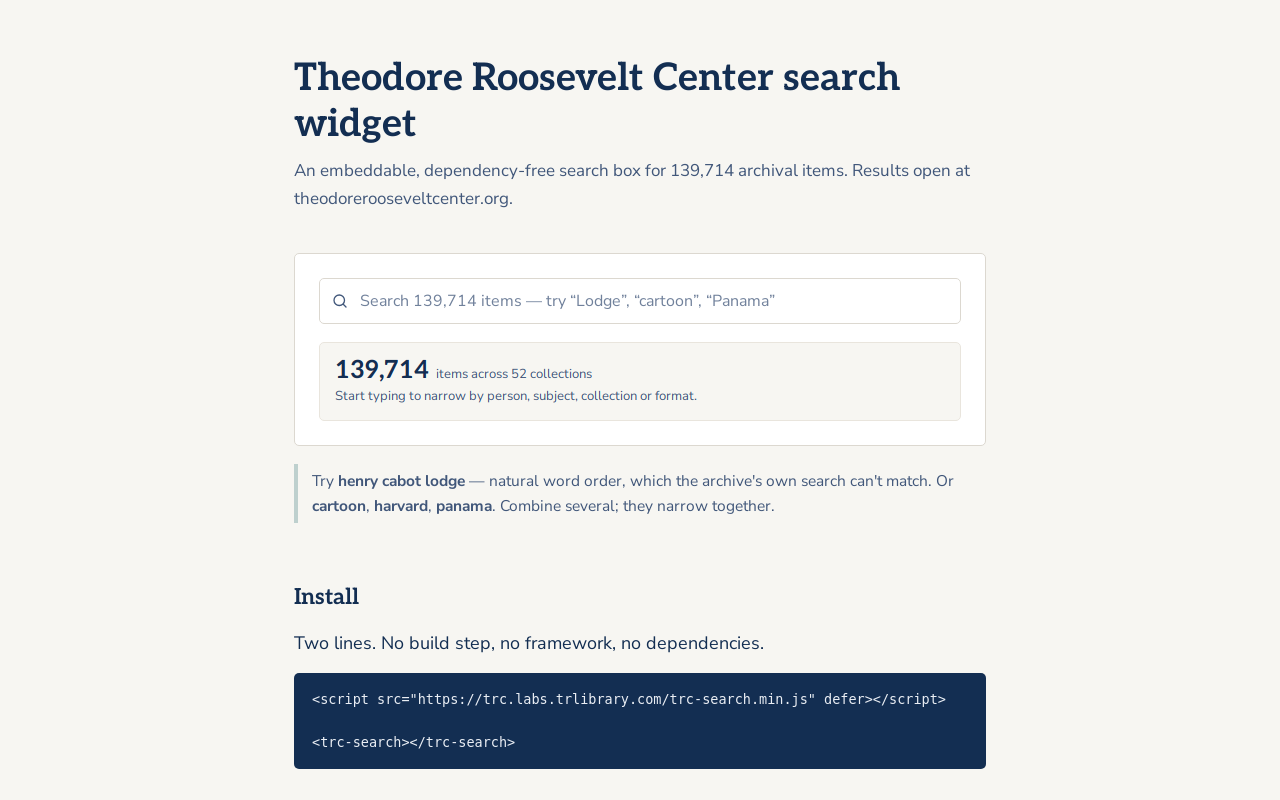
Try it right here
This loads the live project from its own domain, exactly as a visitor would see it.
What it does
The Theodore Roosevelt Center's digital library indexes its holdings with a controlled Library of Congress vocabulary and no autocomplete, so a visitor who types “henry cabot lodge” gets nothing back. This widget fixes that from the outside.
A weekly job harvests the Center's public taxonomies, caches them as static JSON on GitHub Pages, and serves three drop-in web components off that index. Because the vocabulary is precomputed, suggestions appear as fast as the visitor types — and the archive's own servers never sit in the critical path.
Any institution whose collection search runs on a controlled vocabulary has this same problem. Point the harvester at a different WordPress REST API and the whole thing works for a different archive.
What it can do
<trc-search>autocomplete with live result counts, 6.9 KB gzipped<trc-graph>interactive network map of 1,592 people or 1,600 subjects<trc-topic>subject breakdown by format, deep-linked into the archive- Shadow-DOM isolation — host page CSS cannot reach in, widget styles cannot leak out
- Every color exposed as a CSS custom property; three themes ship in the box
- Weekly GitHub Action harvest with sanity checks that gate the deploy
Make it your own
Start by forking the repository into your own organization. Everything below assumes you are working in your fork, not this one.
- Fork the repo and point
scripts/harvest.mjsat your own WordPress REST API host. It needs open taxonomy endpoints. - Run
npm install, thennpm run harvestandnpm run headto builddata/*.jsonfor your collection. Addnpm run fingerprintsandnpm run graphsif you want the relationship maps. - Add your palette to the shared token block in
src/themes.js— a new institution is about a dozen lines — and set your accent and font defaults. - Replace
CNAMEwith your subdomain, point DNS at GitHub Pages, and set the Pages source to GitHub Actions with Enforce HTTPS on. - Adjust the harvest cron in
.github/workflows/, then embed with one script tag plus<trc-search>.
Stuck on a step? Open an issue on the repository. Questions from people adapting these for their own institution are the most useful feedback we get.