
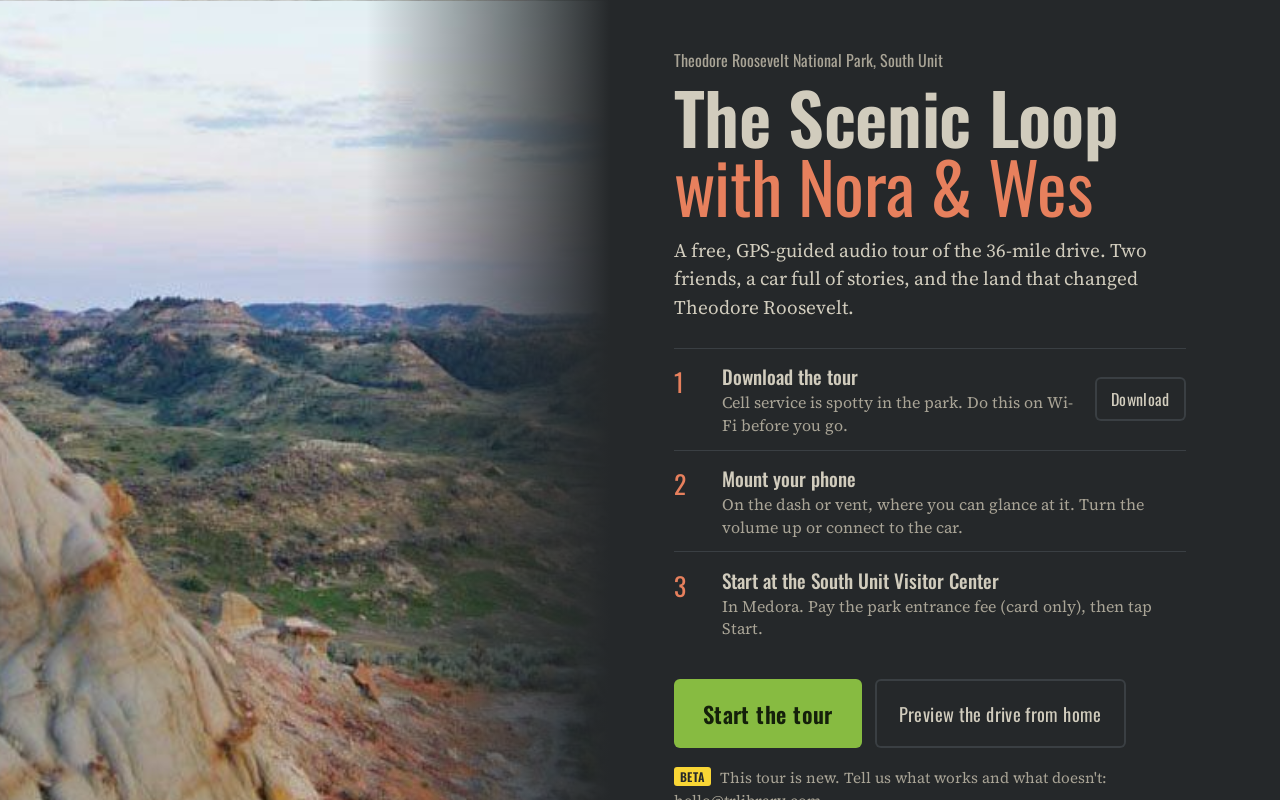
Try it right here
This loads the live project from its own domain, exactly as a visitor would see it.
Beta. The tour is still being checked before public launch. Use preview mode to hear it away from the park.
What it does
A free driving audio tour of the South Unit Scenic Loop in Theodore Roosevelt National Park, hosted by two narrators, Nora and Wes. It starts at the visitor center in Medora, follows the drive around the loop in either direction, and plays each stop's clip early enough to finish as the car arrives. Stories fill the quiet stretches only when there is time to finish them before the next stop.
It is built for a phone on the dash with spotty service: it keeps the screen on, works fully offline once downloaded, and shows the next stop with its side of the road. Pull over and the side panel opens with on-foot details, quizzes, rock-layer diagrams, and real animal sounds. Crawl away from a bison jam and it asks what you are seeing and plays a short clip for that animal. A preview mode simulates the whole drive from home.
What it can do
- GPS-triggered two-host narration timed to finish on arrival
- Works in either direction around the loop, with side roads, U-turn and off-route detection
- Full offline mode and screen wake lock for a dash mount
- Speed gauge against posted limits, with a few gentle spoken nudges
- Pull-off panel with quizzes, diagrams, photos, and animal sounds, shown only when stopped
- Wildlife slowdown prompt that plays a clip for the animal you are seeing
- Preview the drive from home with a simulated run, plus a script review page with sources
Make it your own
Start by forking the repository into your own organization. Everything below assumes you are working in your fork, not this one.
- Fork the repo and rewrite
script/tour-script.md:N:andW:for each host,Q:for a verbatim quotation with its source,src:for citations that are never read aloud. - Run
python3 tools/lines.pyto list the lines that need audio, voice them with a text-to-speech service you hold a public-use license for, and save each underaudio-src/lines/. - Run
python3 tools/assemble.pyto build the clips, thentools/build_data.pywith your route, stops, speed limits, and photos. - Drive it virtually with
python3 tools/sim_test.pyin both directions before anyone drives it for real. - Set Pages to deploy from GitHub Actions, add your
CNAME, and let the park know before launch.
Stuck on a step? Open an issue on the repository. Questions from people adapting these for their own institution are the most useful feedback we get.